


Know more before you buy.
Compare the price tag with asking prices for similar finds. Check condition, keep useful measurements and decide whether a piece belongs in your wardrobe.
Check thrift and op-shop pricesFor thrifters, op-shop shoppers and sellers.
Check asking prices before you buy. Share measurements before you sell.
Know the pieces you find, own or pass on.
100 free price checks every 30 days.Included with every registered Shopfront account, including Basic. Your allowance is shared across Lens on the web and in the app.
Price checks are available in your browser. Measurements, custom styles and collections are in the invite-only iOS and Android beta.
From first look to saved details
Shopfront Lens helps thrifters, op-shop shoppers and secondhand sellers research finds and share useful product details. Check asking prices before you buy, compare clothing measurements and organise your wardrobe, resale items or charity donations. The iOS and Android app is in private beta; photo-based price checks are available in your browser now.
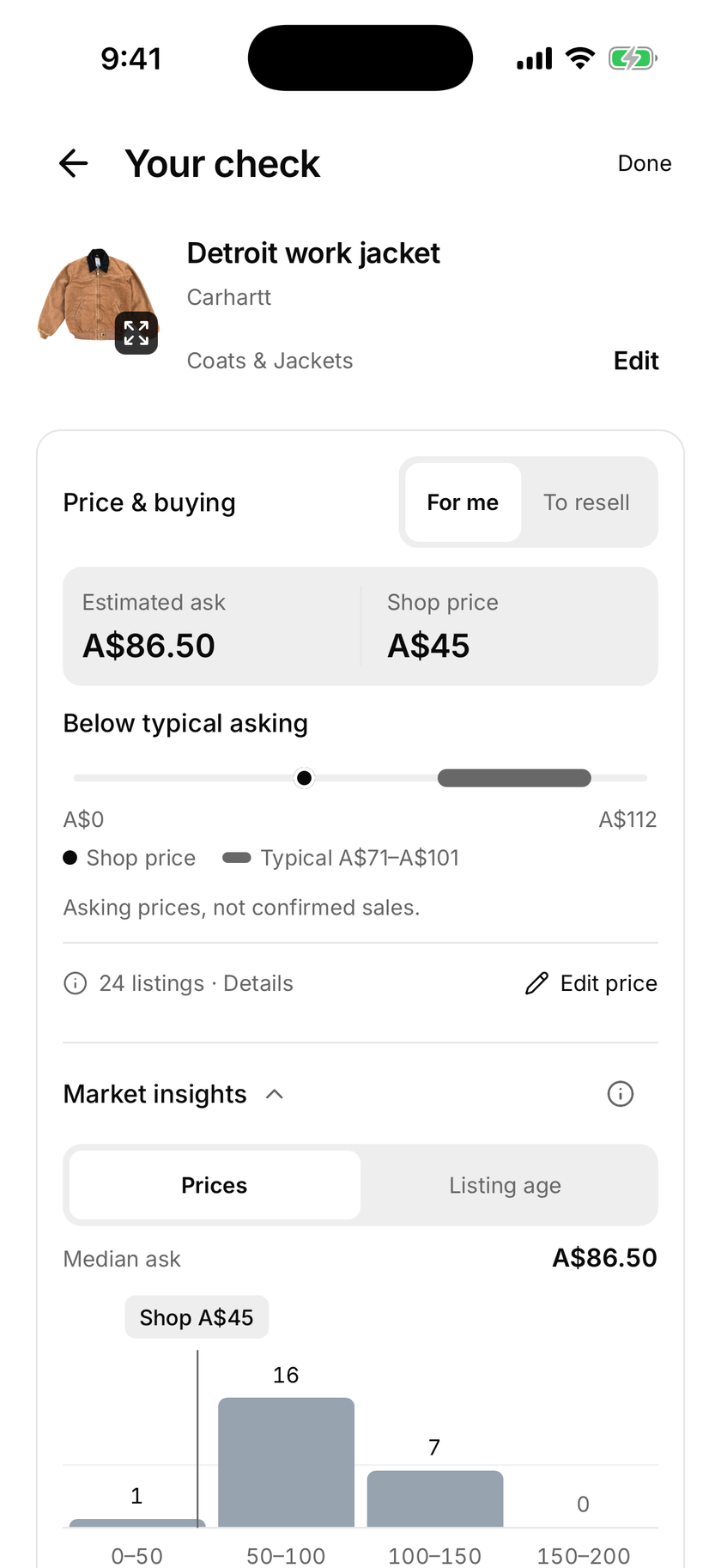
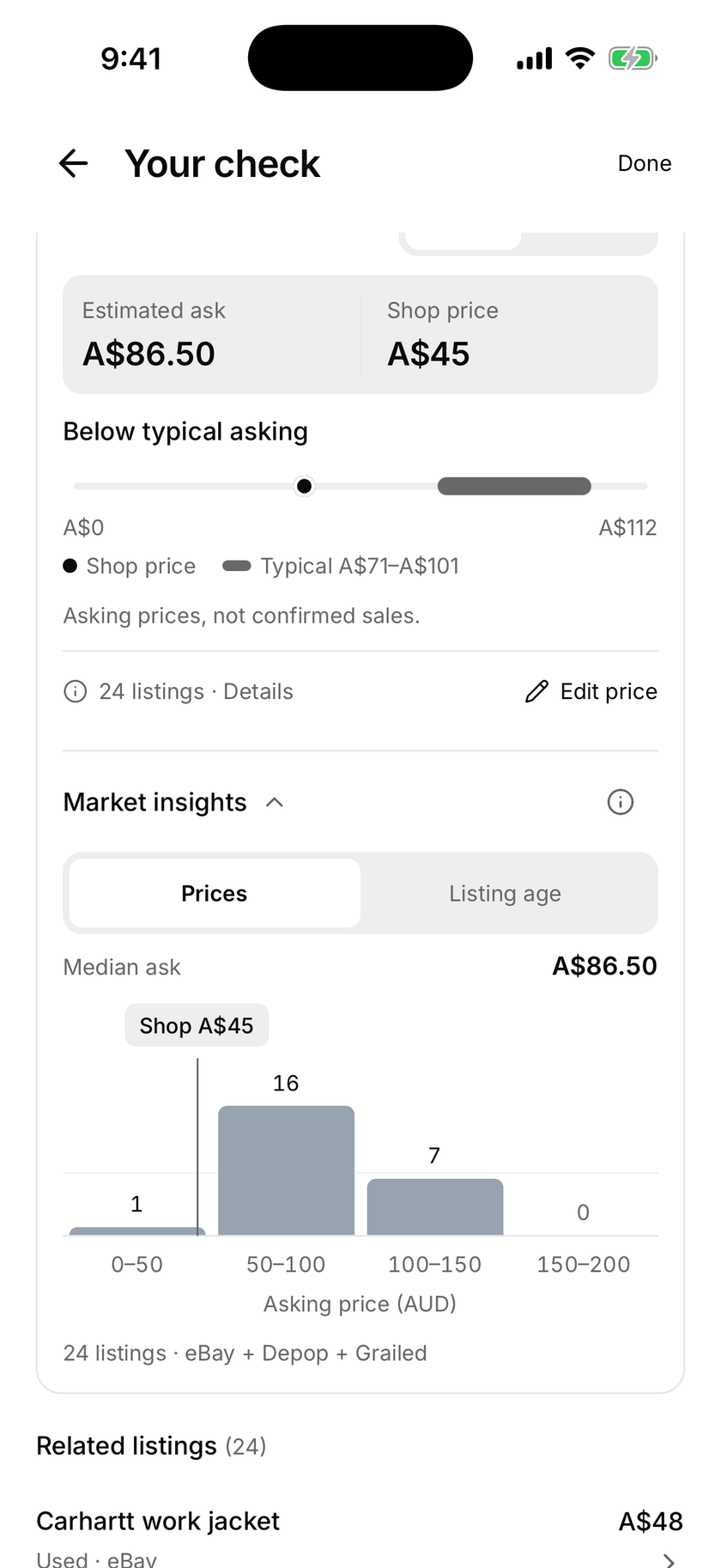
Start with a photo. Compare asking prices for similar items and see the listings behind the estimate.
Keep dimensions with your photos. Label the details, adjust the look and save a reference you can come back to.
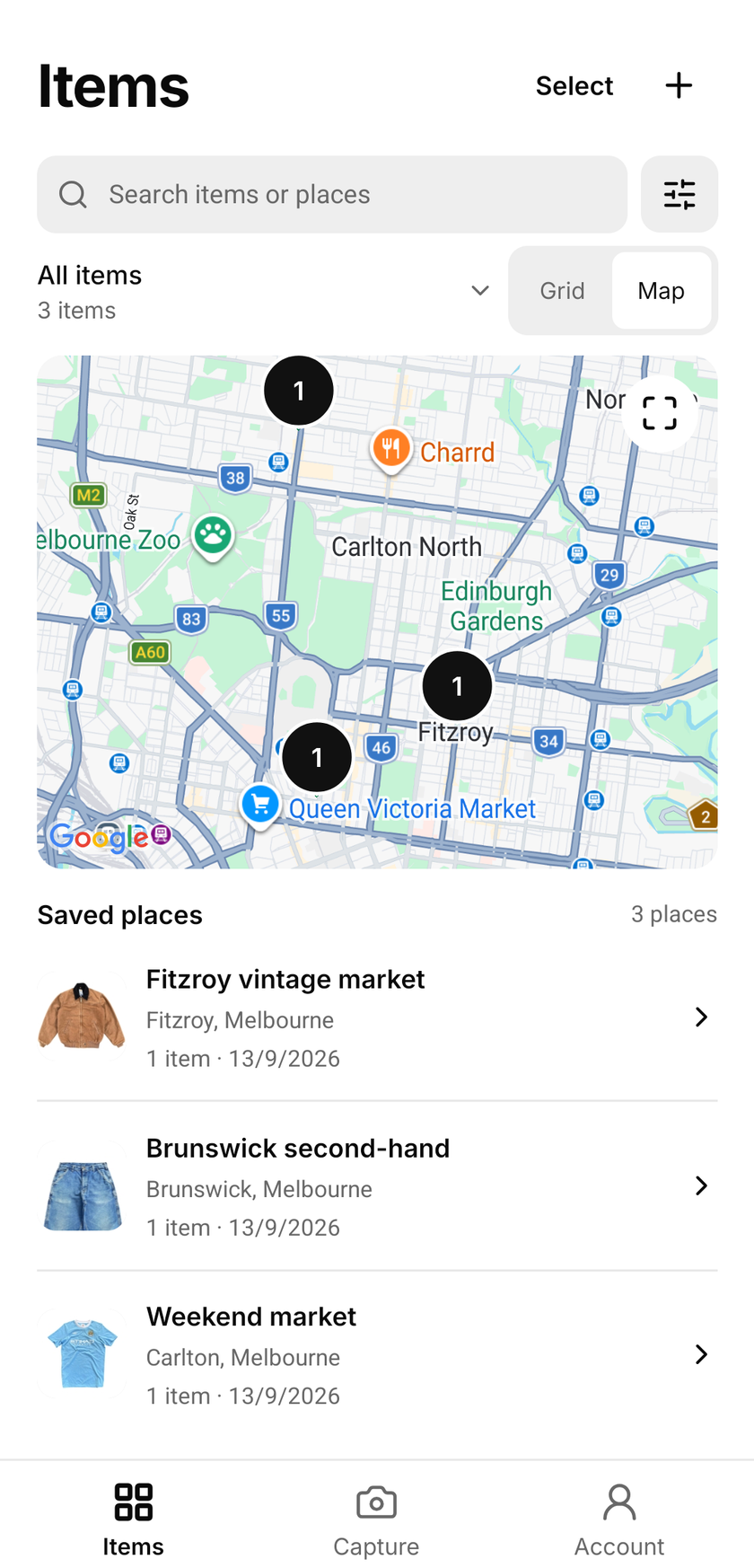
Photos, notes, measurements and price checks. Organise them into collections that make sense to you.
Price check
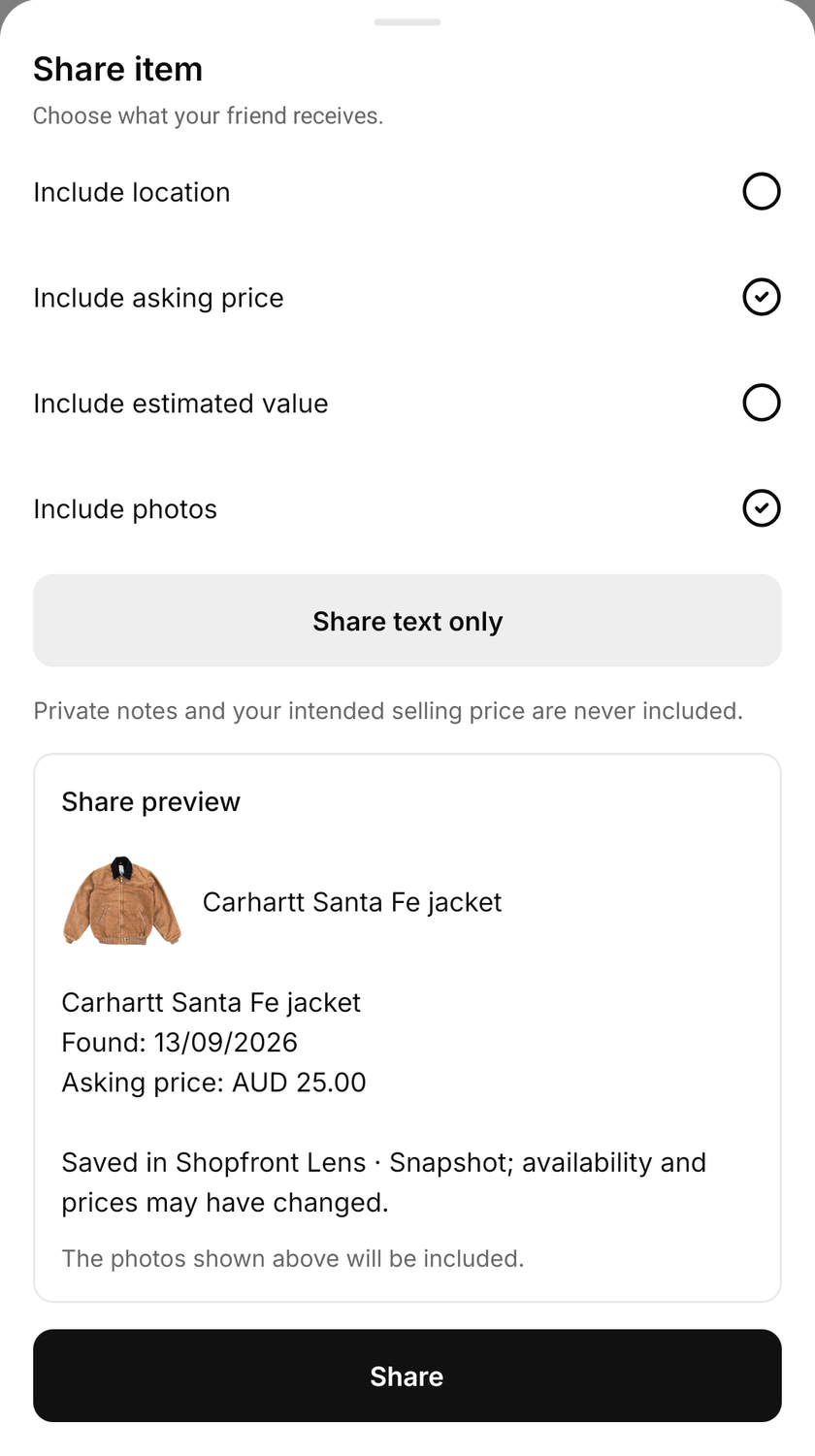
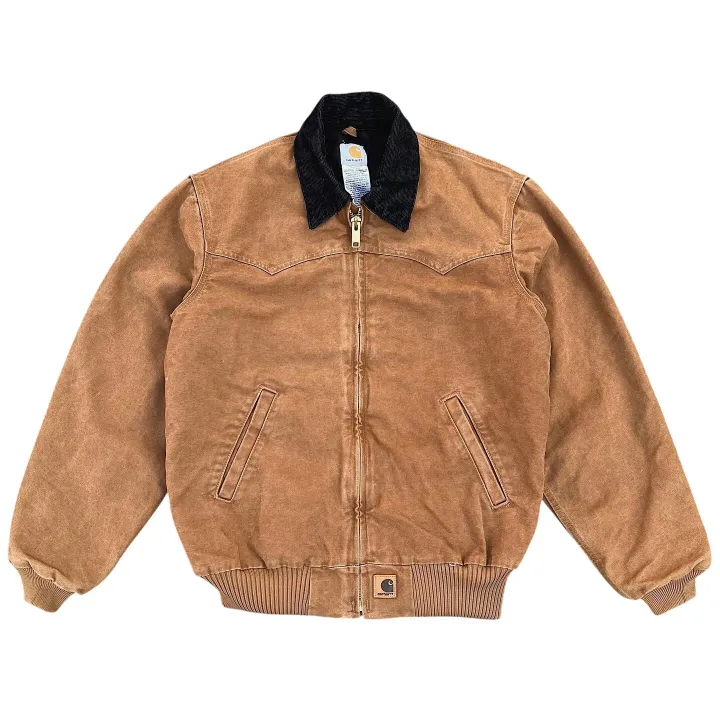
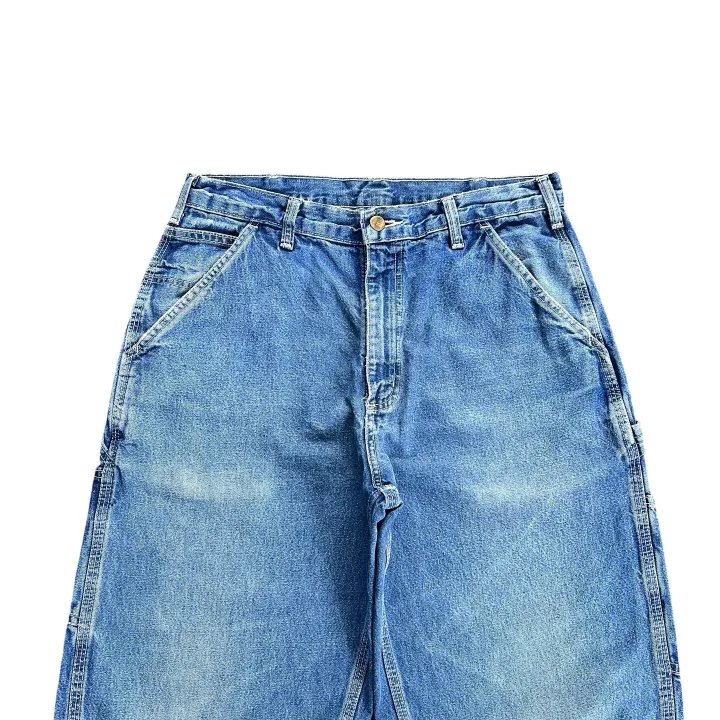
That jacket on the rail. The bag in the donation pile. Photograph an item and explore what people are asking for similar finds.
Compare condition, open the listings and see the range behind the estimate. A useful starting point for your next decision.
Asking prices, not confirmed sales. Condition and demand can change what an item sells for.
Explore price checks
Unlimited measurements
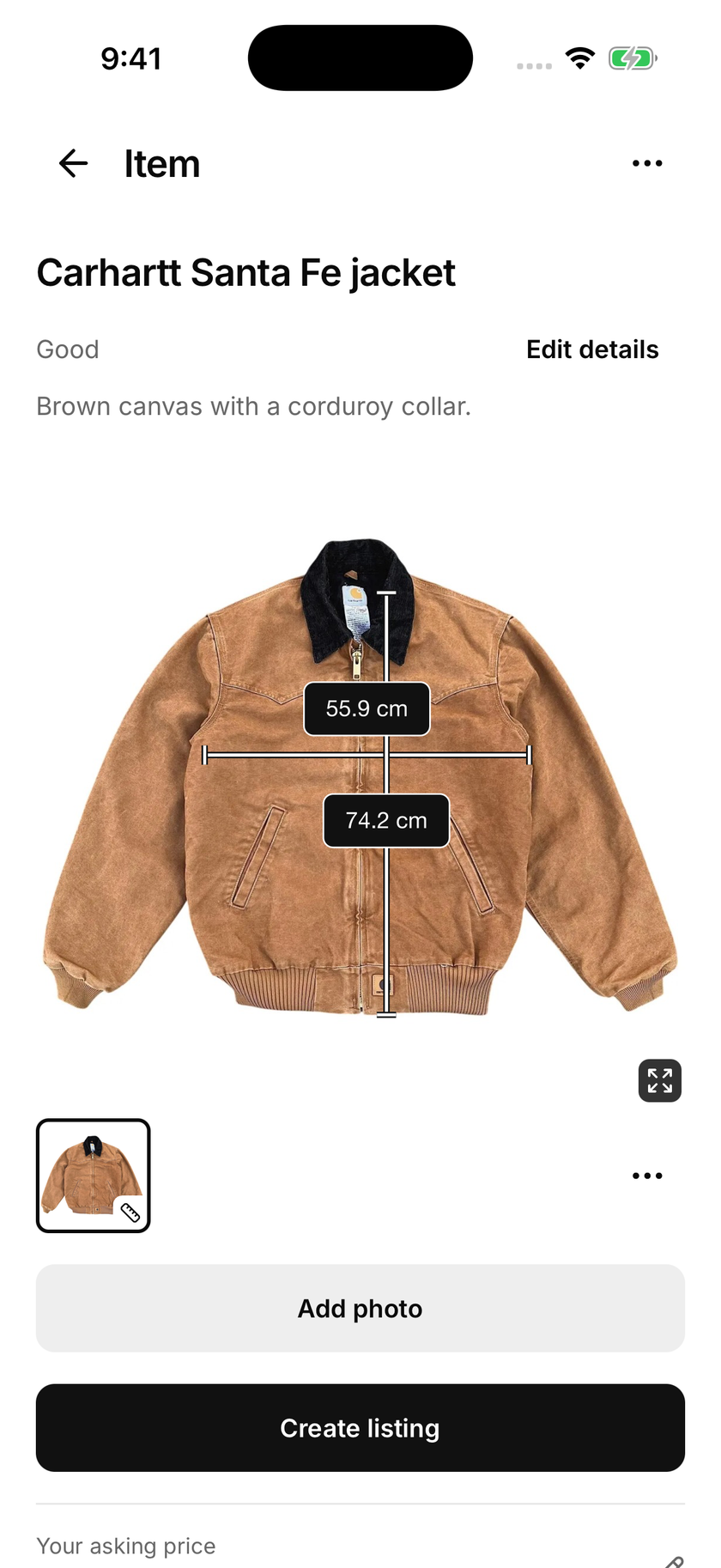
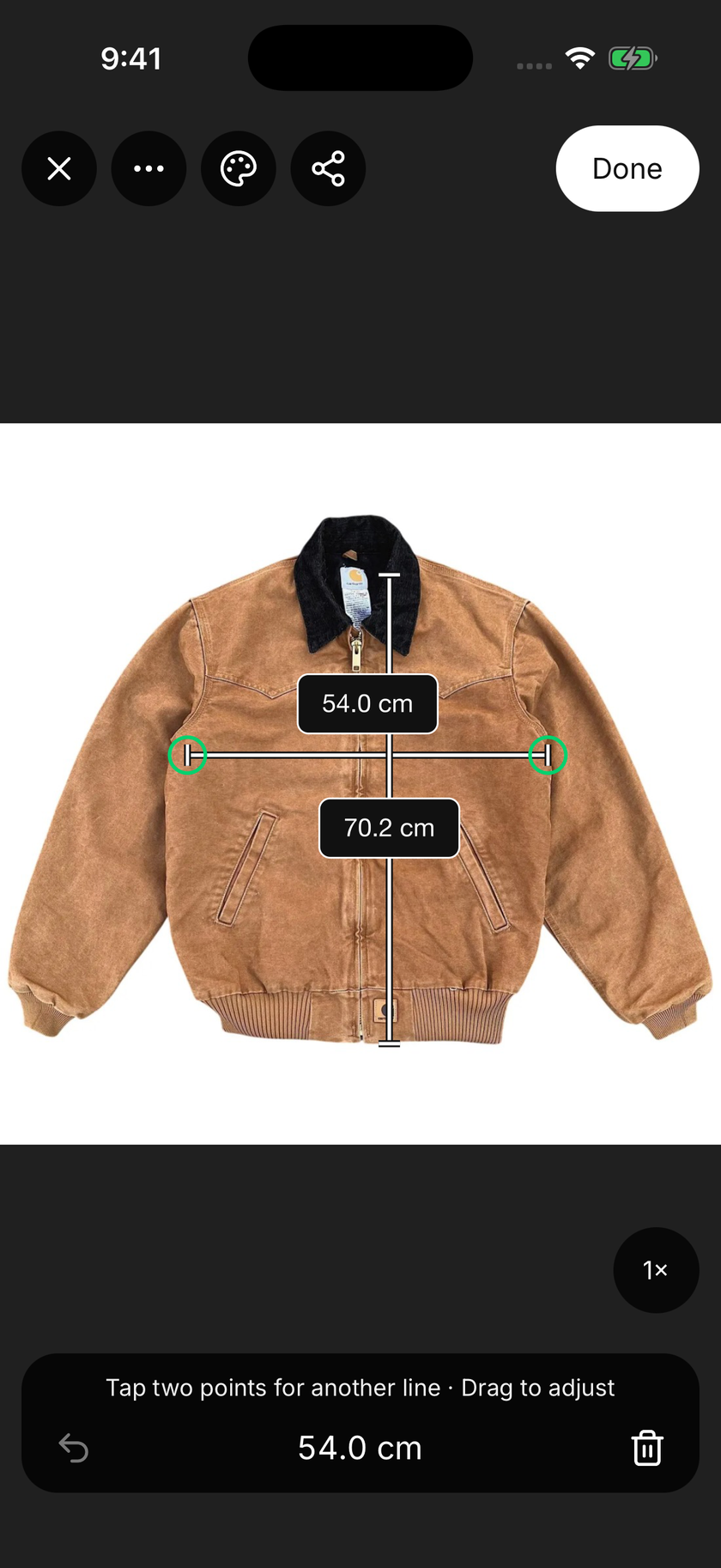
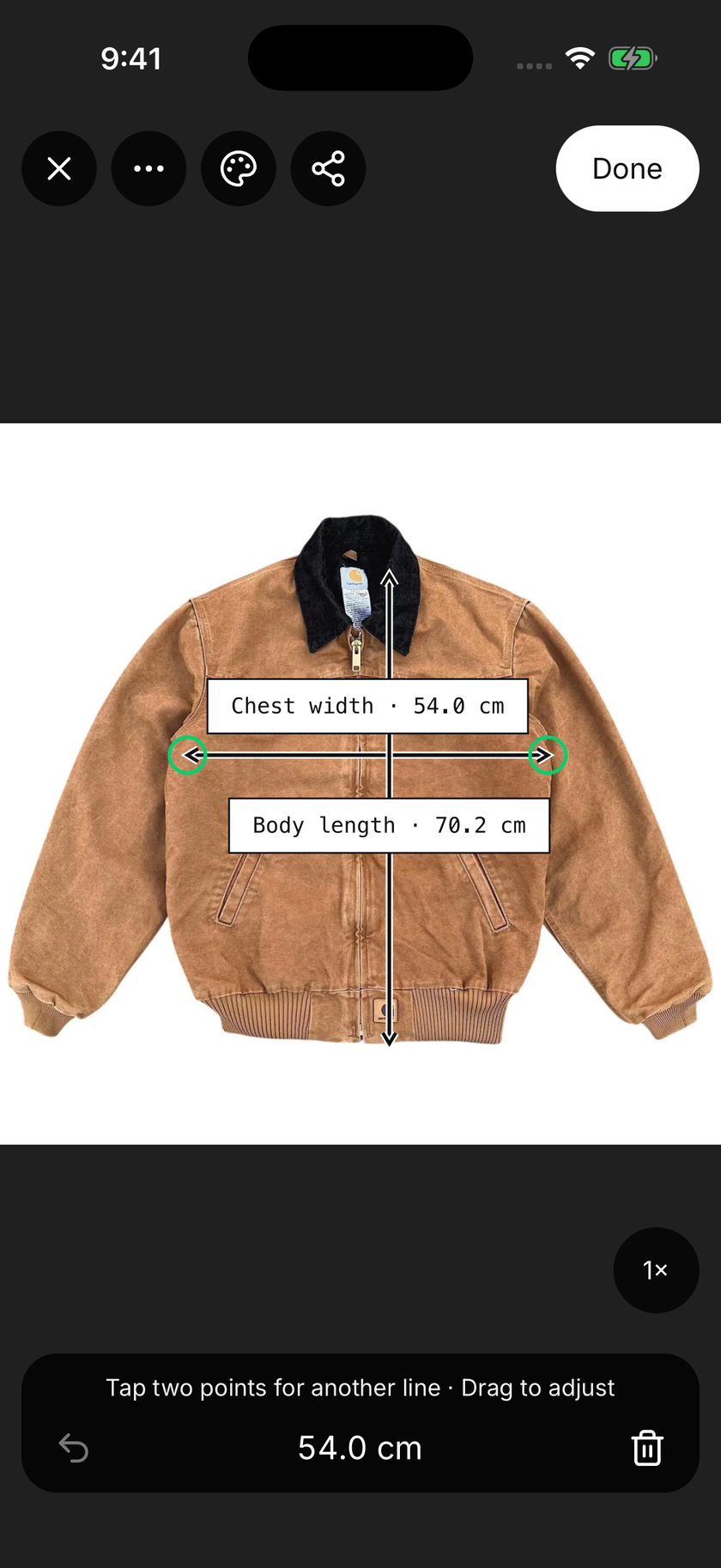
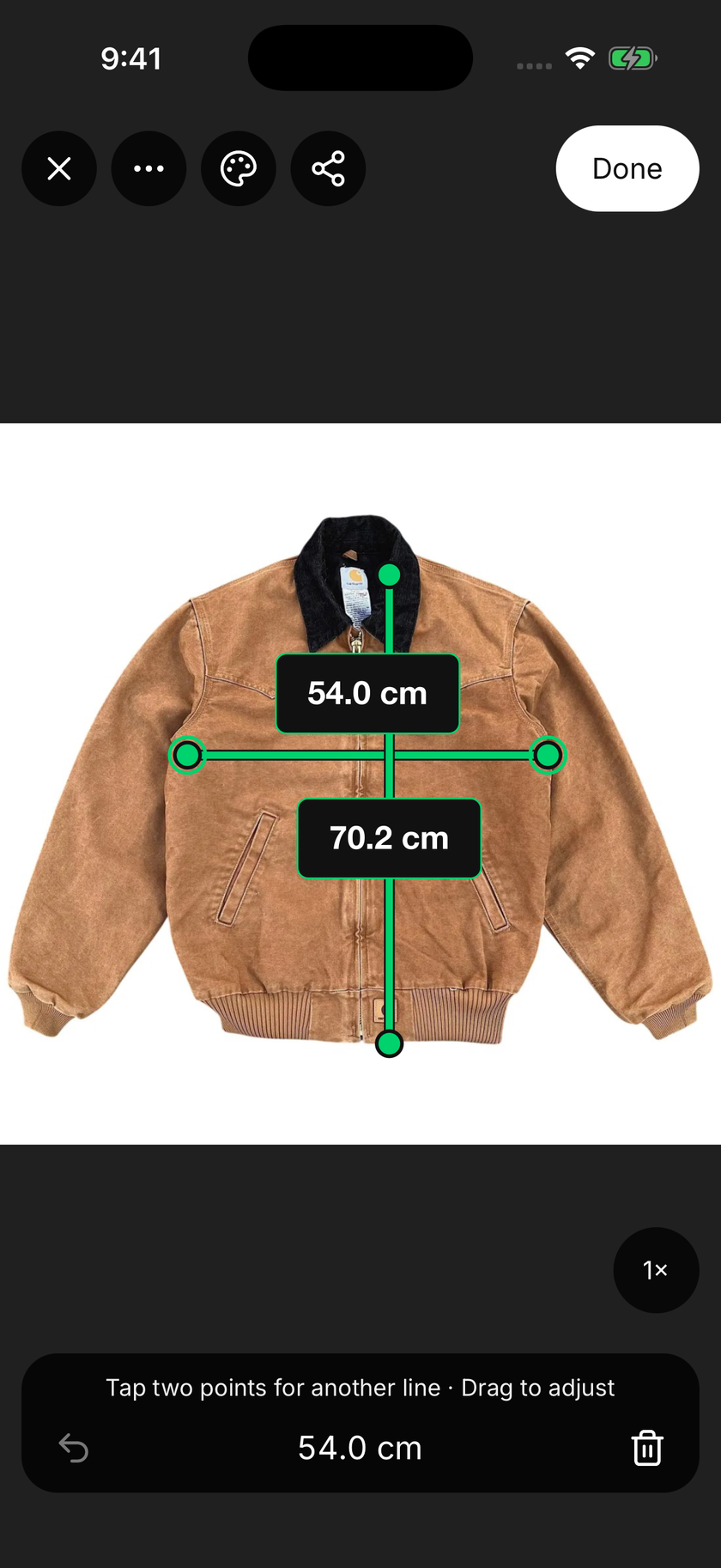
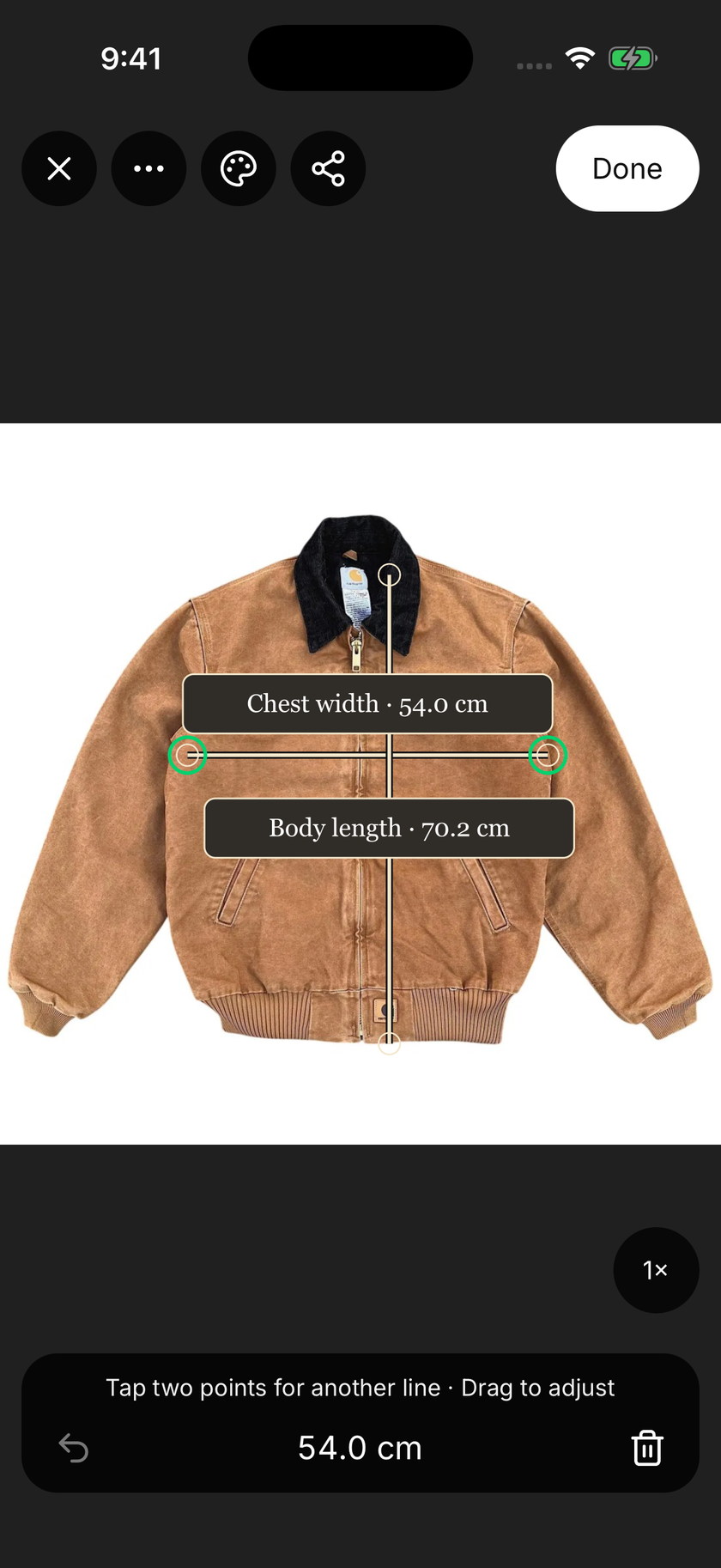
Give buyers more than a size label. On supported devices, Lens uses camera depth data to help measure an item and place dimensions on its photo. Show chest width, body length and the details that help someone compare it with a piece they already own.
Adjust the measurement points, edit the labels and choose centimetres or inches. You can also enter dimensions taken with a tape. There’s no monthly measurement quota, and measuring doesn’t use your price-check allowance.
More context for buyers. A useful reference for your own wardrobe.Camera measurement support varies by device and surface. Use a tape for curves, depth and a final fit check.
Explore clothing measurements
Make it yours
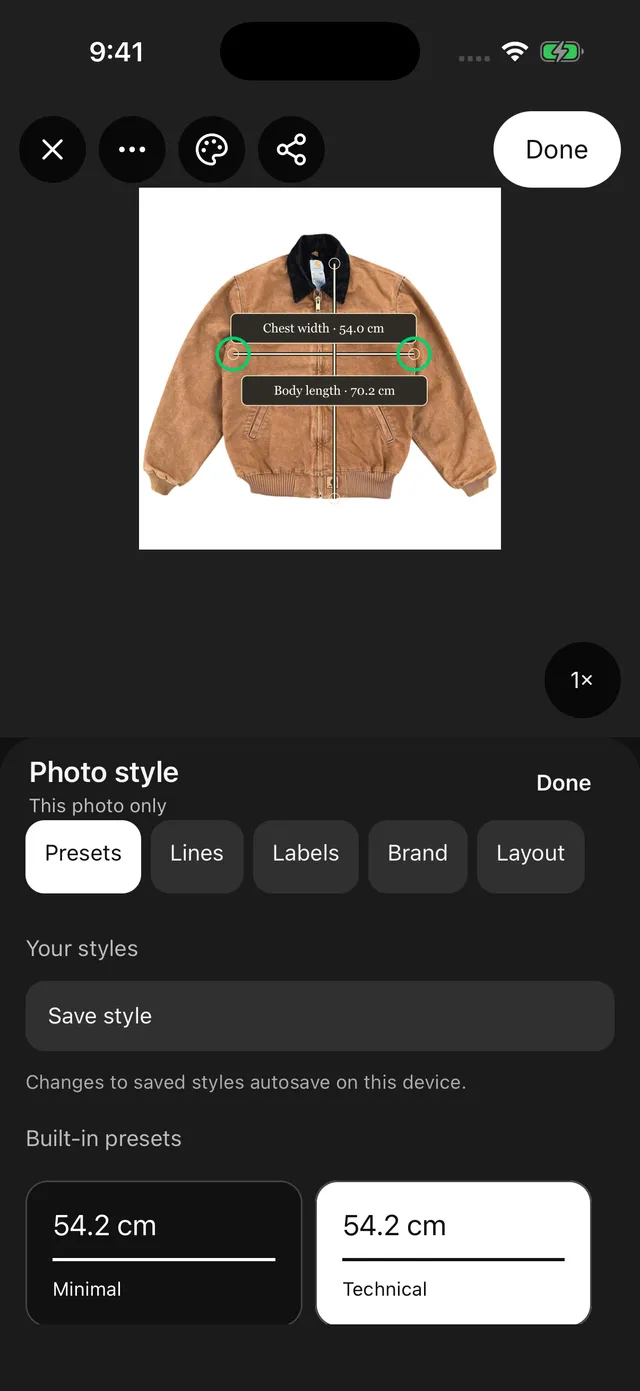
Make the details easy to read and recognisably yours. Edit colours, lines, labels, fonts and branding, then save a reusable theme for your next item. Export the finished photo as JPG or PNG to add to a marketplace listing, send to a buyer or share elsewhere.

A look you can keep.
Edit it. Save it. Use it again.
Give buyers clearer size and fit context.
Thrift shops, op shops and online resale

Compare the price tag with asking prices for similar finds. Check condition, keep useful measurements and decide whether a piece belongs in your wardrobe.
Check thrift and op-shop prices
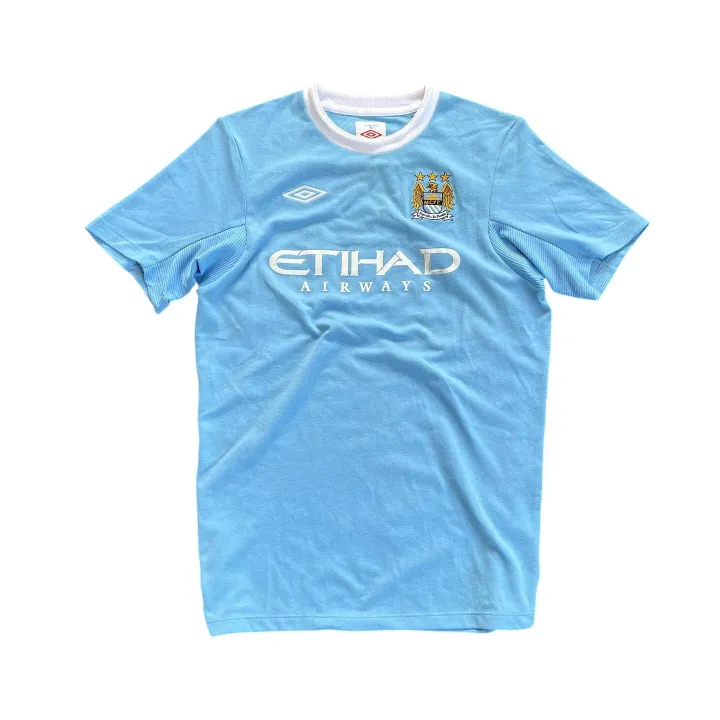
Research asking prices, record clothing measurements and save a style that feels like your shop. Share clear measurement photos to help buyers compare size and fit.
Create measurement photos
Research unfamiliar pieces as you sort. Keep each batch’s photos, condition notes and measurements together on the capture phone, ready for pricing or listing.
Organise a donation batchA place for every find
A weekend’s discoveries. Your wardrobe staples. The next donation drop. Create collections and keep each item’s photos, details, measurements and price checks together on your device.
Ready to sell? Send selected items to Shopfront as listing drafts, with their photos and saved measurement images. Review before publishing.
Useful for one item. Just as useful for the whole pile.
For the finds you want to sell
Meet Shopfront, our toolkit for secondhand sellers. Turn product photos into editable listings, crosslist to marketplaces like eBay and Depop, and manage your inventory in one place.
From a wardrobe clear-out to a vintage shop or charity team, keep the selling side organised too.
A few things to know
The native app is currently in private beta for invited testers on iOS and Android. Public downloads are not available yet. You can try price checks in your browser now.
100 free price checks every 30 days. Included with every registered Shopfront account, including Basic. Your allowance is shared across Lens on the web and in the app. Your 30-day period starts with your first check; it does not reset at the start of a calendar month.
Use a photo price check to compare a shop’s price tag with asking prices for similar items. Review condition and details before buying. In the native app, keep measurements of clothes you already own to compare with new finds, or organise items you plan to resell. Selling is optional.
You can try a price check in your browser before signing up. A registered account includes 100 free checks every 30 days. Invited native beta testers also need an account to sign in. Creating an account does not give you access to the private beta.
No. Lens shows asking-price estimates and comparable listings. The amount an item sells for can differ depending on its condition, demand and the marketplace.
On supported devices, Lens uses camera depth data to help measure distances between points on an item. You can also enter dimensions taken with a tape. Edit labels, customise and save a reusable style, then save or share the measurement image. Measurements have no monthly quota and don’t use price checks. Camera measurements are a guide; check fit-critical dimensions with a tape.
The native app brings price checks, measurement photos, custom styles and collections together on your phone. The browser tool currently focuses on photo-based price checks.
For the things worth a second look
100 free price checks every 30 days.
Start with a photo in your browser.
Included with every registered Shopfront account, including Basic. Your allowance is shared across Lens on the web and in the app.
No app download needed. The native app is in private beta.